Local Business Directory Template
Two-field search with city autocomplete, a results map with hover preview cards, Open Now badges, and star ratings — the Yelp-style experience, for your city or niche. Built for city guides, service-provider directories, and chamber listings.
Free plan · AI fills it with your fields & listings in 60s
Best for: City guides, local business directories, service provider listings, neighborhood guides, chamber of commerce sites
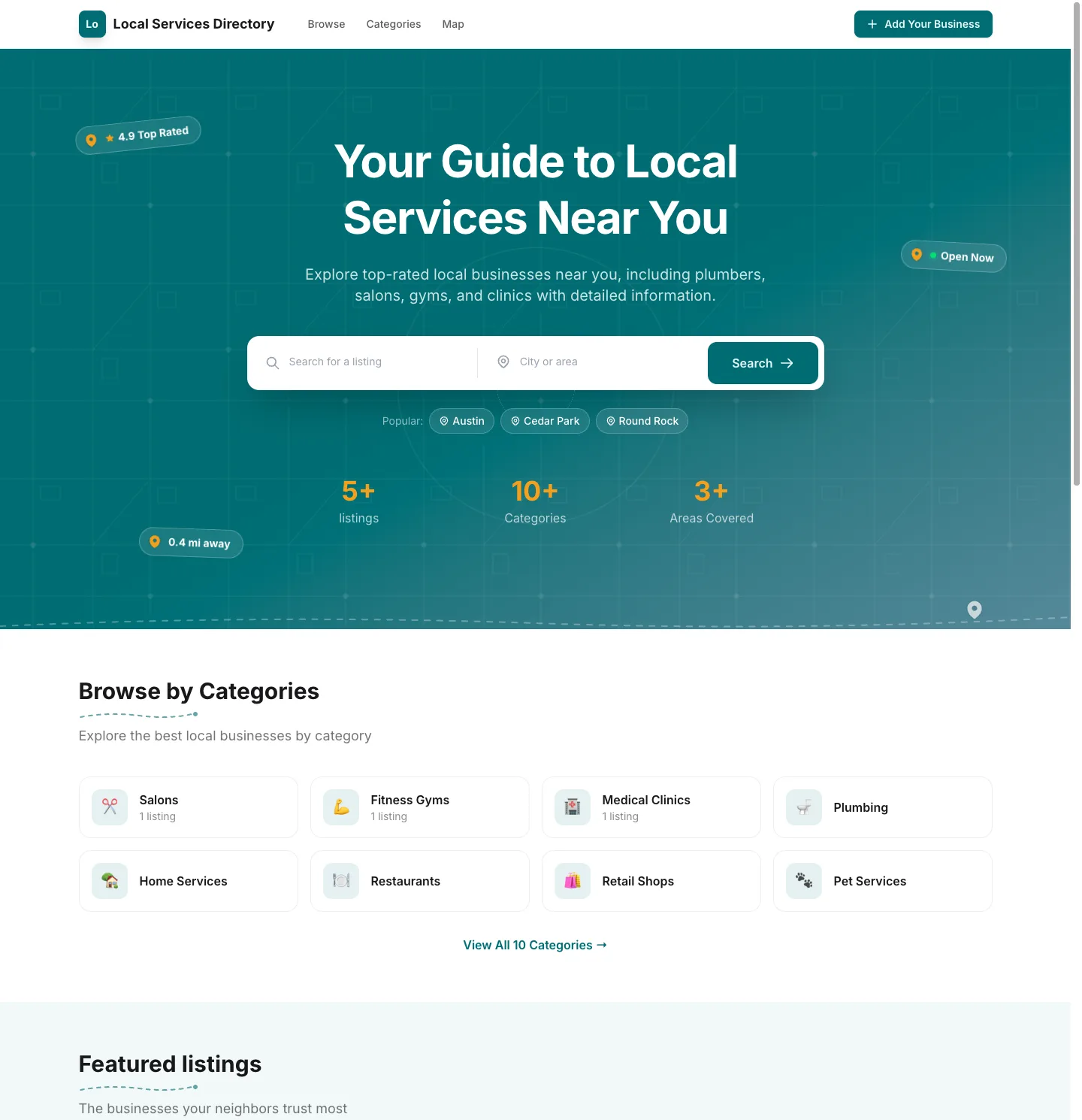
What makes the Local Business template different
Two-field search with city autocomplete
Results map with hover preview cards
Service areas for mobile businesses
Open Now badges & star ratings
Search that works like visitors think
Nobody searches a local directory with one box. They think in two parts — what they need and where they need it — so this template's search bar has both: a keyword field with instant suggestions and a city field that autocompletes from your own listings. Results land on a split view with the map beside the list, hover preview cards on every pin, and every filter applying to both at once. It's the pattern Yelp trained everyone on, running on your domain.
A map that follows the results
The results map isn't a decoration — it's synchronized with the listing cards. Hover a pin and a mini preview card pops up (photo, name, rating) that links straight to the listing; hover a card and its pin lights up. On mobile, the list leads and a Map button flips to a full-screen map view. Coordinates come from automatic geocoding of each listing's address — no API keys to configure, no per-listing pin placement.
Who this template is for
- City & neighborhood guides — the "best of [your city]" destination visitors bookmark
- Service-provider directories — plumbers, electricians, cleaners, contractors, landscapers
- Wellness & lifestyle directories — salons, spas, gyms, clinics, dentists
- Chamber of commerce sites — a modern public face for member businesses
- Niche local directories — kid-friendly venues, pet-friendly businesses, late-night services
Built for local trust
- Two-field search — keyword plus city, with autocomplete fed by your own directory
- Results map with hover preview cards — pins pop a clickable mini card; cards highlight their pins
- Open Now badges — computed live from each business's hours of operation
- Star ratings on by default — reviews with moderation, because ratings are the currency of local
- Service areas — no-storefront businesses list the cities they cover instead of an address
- Popular Areas section — your busiest cities, surfaced automatically on the homepage
Underneath sits the full Directify platform: hosting, automatic SEO with LocalBusiness schema markup, moderated business submissions, paid claims and featured placements, blog, custom pages, and analytics.
How to start a local business directory
The fastest way to create a business directory website is to describe it ("home service providers in Austin") and let the AI scaffold the directory in about 60 seconds — the business field set is created automatically when you pick this template, and demo listings arrive already grouped in one metro area so the city search and Popular Areas section work from the first page load. From there:
- Seed one area deeply. Fifty great listings in one city beat five hundred scattered across a state — depth is what makes the city search feel alive.
- Get businesses to claim. Every claimed listing is a relationship; claims are also your first monetization step.
- Turn on featured placement. Once the directory ranks for "[service] in [city]" searches, businesses will pay to sit at the top of them.
For the strategy side, our guides on creating a directory website and monetizing a directory cover growth and revenue models, or zoom out to the full best directory website builders breakdown.
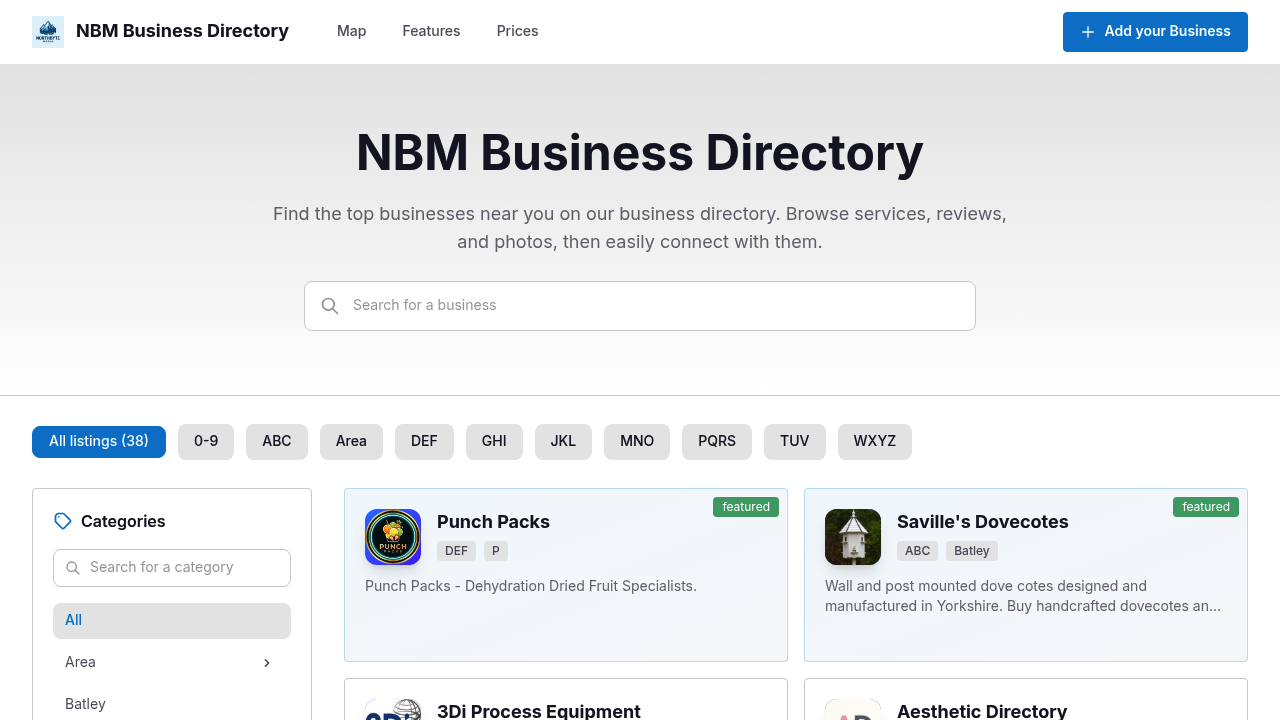
Real directories built with the Local Business template
Live websites from the Directify community using this template right now.
Launching with Local Business takes minutes
Describe your idea
One sentence — the AI builds categories, custom fields and sample listings for your niche.
Import your data
CSV upload, Google Sheets sync, the Chrome extension — or public submissions with your approval.
Share the link
Your domain, your branding, live theme editor — and monetization when you're ready.
Frequently asked questions
What can I build with the local business template?
City and neighborhood guides ("best of Austin"), local service directories (plumbers, electricians, cleaners, contractors), wellness and lifestyle directories (salons, gyms, clinics), chamber of commerce member listings, and tourism-adjacent business guides — any directory where the listings are local businesses people visit or hire nearby.
How does the two-field search work?
Visitors search the way they think — what they need in one field ("emergency plumber") and where in the other ("Round Rock"). The city field autocompletes from your own directory's data, so it only ever suggests places where you actually have listings. Both choices apply to the results list and the map together, and land in the URL so searches are shareable.
Do I have to enter the city for every listing by hand?
No. When a listing has an address, its city is detected automatically during geocoding — the same process that pins it on the map. That feeds the city autocomplete, the sidebar filter, and the Popular Areas homepage section without any setup. You can always override a listing's city manually.
How does the results map work?
On desktop the map sits beside the results — hover a pin and a mini card pops up with the photo, name, and rating, ready to click through; hover a listing card and its pin highlights. On mobile the list stays front and center with a Map toggle button, Yelp-style. Filters, search, and the city field apply to the list and the map at the same time.
What about businesses without a storefront?
Service businesses that travel to customers — plumbers, mobile groomers, cleaners — can list service areas instead of an address. Their listing shows "Serves Austin, Round Rock, Cedar Park" in place of a street address and map pin, and they appear in the city filter for every area they cover.
What business fields are included?
Selecting the template auto-creates the field set — price range, hours of operation with an automatic Open Now badge, amenities (wheelchair access, WiFi, parking and more), service areas, services offered with prices, booking link, year established, and certifications. You can add, remove, or edit any field.
How do I make money with a local business directory?
The classic local playbook is claims and featured placement — businesses claim their listing, then pay to stand out. Directify's monetization stack handles it out of the box - paid listing claims, featured and verified upgrades, paid submission plans, and lead capture. Reviews are on by default because rating stars are what make businesses care about their listing.
Is the local business template included in my plan?
Yes — all templates come with every Directify plan at no extra fee. Build your directory during the free 7-day trial and switch templates anytime.
Explore other directory templates
All 17 templates →Launch your directory with Local Business
Describe your directory and the AI builds it in about 60 seconds — switch to this template with one click.
Build my directory free