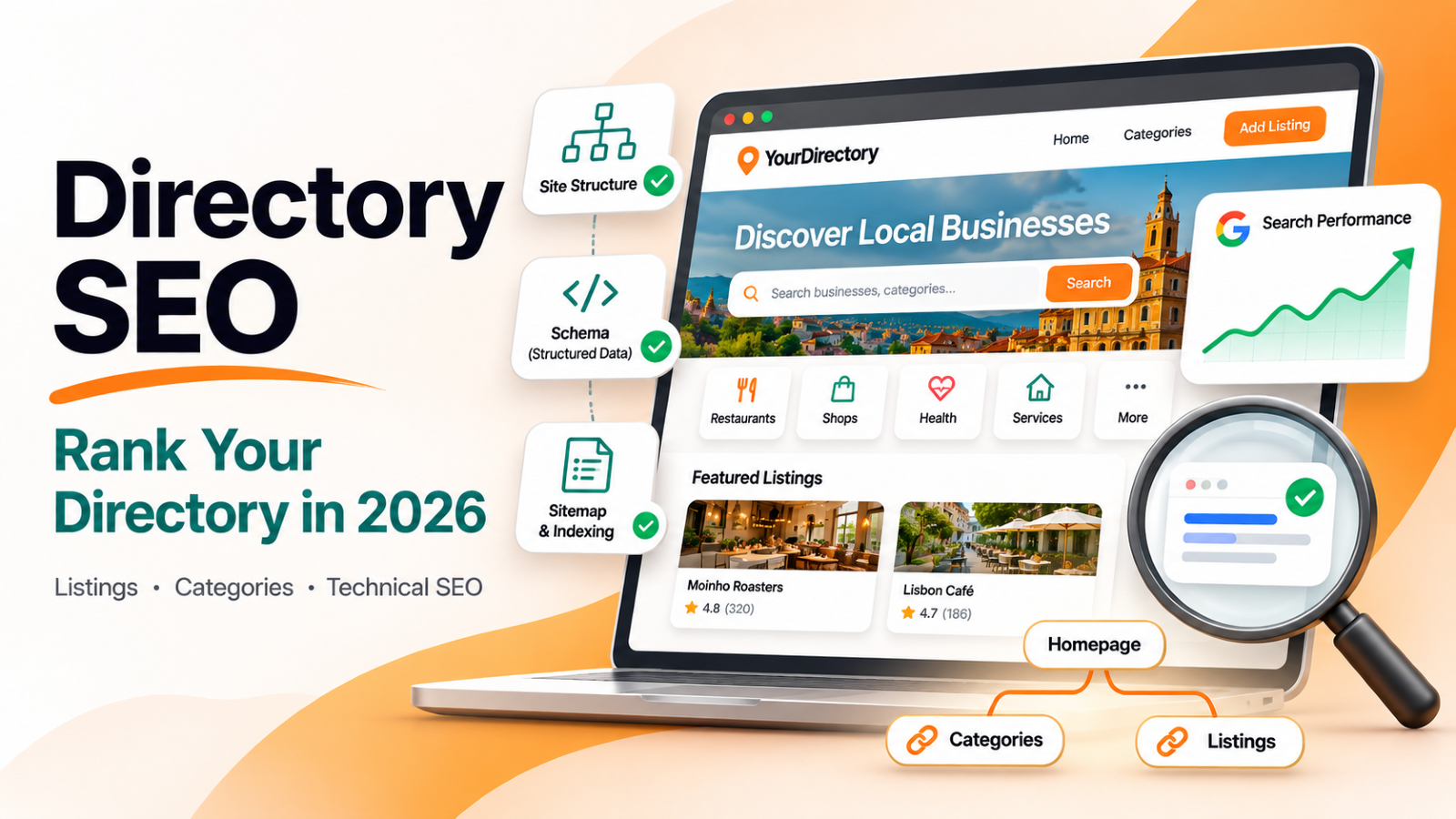
Directory SEO is the work of getting a directory website's pages, mostly its category pages and listing pages, to rank in Google. It follows the same rules as any other SEO, but directories break them in their own ways. A directory has thousands of pages built from one template, most of them short, many of them alike. Google has to decide which of those pages deserve a place in its index, and by default it says no to most of them.
This guide covers what changes when the site is a directory: which searches a directory can win, how to make listing and category pages worth indexing, the technical setup, and how to earn links.
"Directory SEO" also means listing your own business in directories to build citations and links. If that's what you're after, read how directory backlinks improve SEO rankings. This guide is about ranking the directory itself.
Why SEO for a directory is different
A blog with 50 posts has 50 pages that each had a writer. A directory with 2,000 listings has 2,000 pages that share one layout, and often a handful of words of unique text each. Three problems follow from that:
- Thin pages. A listing with a name, a phone number, and a one-line description gives Google little reason to index it over the same business's own site, its Google Business Profile, or Yelp.
- Near-duplicate pages. Two plumbers in the same town, described by the same template, read as almost the same page. Google picks one and drops the rest.
- Index bloat. Filter combinations, sort orders, empty categories, and paginated lists can turn 2,000 listings into 50,000 addresses. Google spends its crawl on the noise and never reaches the pages that matter.
Open the Pages report in Google Search Console on almost any young directory and you'll see it: a large "Crawled – currently not indexed" count, and an even larger "Discovered – currently not indexed" one. Directory SEO is mostly the work of shrinking those two numbers.
Step 1: Pick the searches a directory can win
Directories don't rank for "plumber". They rank for the long, specific searches that a list answers better than any single business can. Map each page type to the search pattern it should own:
| Page type | Search pattern it can win | Example |
|---|---|---|
| Category + location | [service] in [city] | emergency plumbers in Austin |
| Category | best [thing] for [need] | best AI tools for writing |
| Filtered category | [thing] with [feature] | dog-friendly cafes with outdoor seating |
| Listing | [business name] + reviews / hours / pricing | Joe's Plumbing Round Rock reviews |
| Comparison or alternatives page | [product] alternatives | Notion alternatives |
| Blog guide | how to choose [thing] | how to choose a wedding photographer |
Two rules keep this from being guesswork:
- Check the first page before you build. Search the phrase. If the top results are lists and directories, Google wants a list, and your category page can compete. If they're single businesses or a map pack only, a directory page will struggle.
- Go narrow first. A new directory has no authority. "Vegan restaurants in Leeds" is winnable in months; "restaurants" is not winnable at all. Depth in one niche or one city beats thin coverage of a whole country.
Step 2: Build a structure Google can follow
A directory's structure is its strongest SEO asset, because it tells Google which pages matter most.
- Categories as a shallow tree. Homepage → category → subcategory → listing, with every listing reachable in three or four clicks. Deep, orphaned listings get crawled last, if at all.
- Readable, stable URLs.
/plumbers/joes-plumbing/beats/listing?id=4821. Pick the slug pattern before launch; changing it later means a redirect for every page. - Breadcrumbs on every listing and category. They give Google the hierarchy and give each listing a link back up to its category. Mark them up with BreadcrumbList schema.
- Internal links from content to categories. Your blog guides should link the category pages they relate to, with the category's name as the link text. This is where most directories leave rankings on the table.
- Keep filters out of the index. Filter and sort combinations should point their canonical tag at the main category page, so Google doesn't index every permutation.
- Don't publish empty categories. A category with zero or one listing is a thin page. Hide it until it has enough entries to be a real list.
Step 3: Make listing pages worth indexing
Every listing page needs a reason to exist that the business's own website doesn't already cover. The template can't supply that; the data has to.
- Write unique descriptions. Rewrite or expand what the business submitted. Imported descriptions copied from the business's own site are duplicate content.
- Show structured data as visible content. Price range, opening hours, service areas, amenities, specialties, certifications: custom fields shown on the page add unique, useful text and give visitors a reason to stay.
- Add reviews. user reviews are the one piece of content no other site has. They also feed review stars in rich results through AggregateRating schema.
- Use real photos with descriptive alt text. A photo gallery makes a listing a page someone would bookmark.
- Show when it was last checked. A visible "last updated" date, matched by
dateModifiedin the page's structured data, tells visitors and Google the information is maintained. - Remove dead listings. A business that closed is a bad result. Check listing links regularly and unpublish the ones that no longer exist.
A practical bar: if a listing has nothing beyond a name and contact details, don't publish it yet. Fifty complete listings rank better than five hundred stubs, because Google judges the whole site by the pages it sees.
Step 4: Treat category pages as your main landing pages
Category pages are where most directory traffic lands, because they answer the "[service] in [city]" and "best [thing]" searches. Give each one more than a grid of cards:
- A title and meta description written for the search. "Emergency Plumbers in Austin — 48 Licensed, Reviewed Pros" beats "Plumbers | My Directory".
- A short introduction. Two or three sentences on what's in the category, how listings are chosen or verified, and what to look for. Keep it above the listings, not buried in the footer.
- A few questions and answers. "How much does an emergency plumber cost in Austin?" answered in two sentences, with FAQ schema, matches the questions Google already shows for that search.
- Enough listings to be a real list. Ten solid entries is a reasonable floor for a category you want to rank.
Step 5: Get the technical foundation right
The technical side is where a directory platform does the most work for you, or the most damage. Check each of these:
- Server-rendered HTML. Listings, categories, and links should be in the HTML the server sends, not drawn by JavaScript after load. Google can render JavaScript, but it does so later and less reliably.
- Your own domain. A directory on your own domain builds authority you keep. Free subdomains on builder platforms are often kept out of Google's index, and links you earn there don't follow you if you move.
- An XML sitemap with real
lastmoddates. List every indexable listing, category, and article, with the date each one last changed. Google uses that date to decide what to recrawl, and ignores it when every page shows the same date. - Canonical tags on every page, pointing at the one address you want indexed.
- Structured data. LocalBusiness (or Organization, or ProfessionalService) on listing pages, BreadcrumbList on listings and categories, AggregateRating where you have reviews, FAQPage where you have questions and answers, and WebSite and Organization on the homepage.
- A clean robots.txt that blocks admin, login, and search-result addresses, and points to your sitemap.
- hreflang for multilingual directories, so each language version ranks in its own market instead of competing with the others.
- Speed. Compress and size images, lazy-load anything below the first screen, and keep third-party scripts to what you actually use.
- 301 redirects when URLs change, so links and rankings carry over to the new address.
Step 6: Local SEO for local directories
If your directory lists places people visit, local signals matter as much as on-page work:
- Build city or neighborhood pages for areas where you have enough listings, and link them from the homepage.
- Put a map on the results page, and the address and coordinates in each listing's structured data.
- Keep name, address, and phone consistent with what each business shows on its own site and Google Business Profile.
- Seed one area deeply before expanding. Complete coverage of one city makes the directory the best result for that city's searches.
Our local SEO checklist for directory websites covers this in more detail.
Step 7: Earn links the way directories can
Directories have link-building advantages most sites don't:
- Listed businesses link back. Offer a "Featured on [your directory]" badge to every listed business. A share of them will add it to their site, and those links are relevant by definition.
- Sell dofollow as an upgrade. Many directories keep outbound listing links nofollow by default and make a followed link part of a paid listing. It's a product businesses understand and want.
- Publish data only you have. "The 50 most-reviewed coffee shops in Portland" or a yearly pricing survey of your niche earns press and blog links that a listing page never will.
- Get into the conversations in your niche. Reddit threads, Facebook groups, newsletters, and niche blogs are where the people who link to directories already are.
Step 8: Measure what Google actually indexes
Ranking starts with indexing, so measure that first:
- Search Console → Pages. Watch "Crawled – currently not indexed" and "Discovered – currently not indexed" by page type. If listings dominate those buckets, improve or prune listings before adding more.
- Search Console → Performance, filtered by page. Compare impressions across category pages, listing pages, and articles. Category pages should lead; if they don't, work on Step 4.
- Sitemaps report. Check that the sitemap is read without errors and that its URL count matches what you expect.
Our guide to using Google Search Console for directory SEO walks through these reports.
How Directify handles directory SEO
If you build your directory on Directify, most of the technical work in Step 5 is done for you. Your work is the content and the links.
| Directory SEO job | On Directify |
|---|---|
| Server-rendered pages | Every listing, category, and blog page is server-rendered HTML |
| Your own domain | Custom domain with SSL on every paid plan. Directories on a Directify subdomain stay out of Google's index until they move to their own domain, so you don't build rankings on an address you'll leave |
| XML sitemap | Generated automatically, with lastmod dates from each page's real changes, split into files for large directories (sitemap) |
| Structured data | Listing schema you can set per directory (LocalBusiness, Organization, or ProfessionalService), reviews as AggregateRating, breadcrumbs, and FAQ blocks in the editor (schema markup) |
| Titles and meta descriptions | Editable per listing, category, page, and article, with category-based title patterns (breadcrumbs and category titles) |
| Last-updated dates | Optional "last updated" line on listings, with the date in the structured data |
| Canonical tags and robots.txt | Set on every page; robots.txt is editable per directory |
| Multilingual SEO | Translated URLs and hreflang tags for multilingual directories |
| Dead listings | Automatic link health checks flag listings whose websites are gone, and can unpublish them |
| Nofollow and dofollow | Listing links are nofollow by default if you choose, and "remove nofollow" can be sold as a paid listing upgrade |
| AI search | An llms.txt file that summarizes the directory for AI assistants |
What stays with you: choosing the searches, writing category introductions, getting complete listings and reviews, and earning links. No platform does those for you.
Directory SEO checklist
- The directory is on its own domain
- Each category targets a search you checked on Google first
- Every listing is three or four clicks from the homepage, with breadcrumbs
- No published category has fewer than five listings
- Listings have unique descriptions, visible custom fields, and photos
- Category pages have a written title, meta description, introduction, and a few FAQs
- The sitemap is submitted in Search Console and uses real
lastmoddates - Listing pages carry LocalBusiness, Organization, or ProfessionalService schema
- Filter and sort pages point their canonical at the main category
- Dead listings are checked for and removed
- Listed businesses are offered a backlink badge
- "Crawled – currently not indexed" in Search Console is shrinking month over month
Frequently asked questions
Is directory SEO different from regular SEO?
The rules are the same; the problems are different. A directory's risk is thousands of thin, similar pages, so most of the work is making each page worth indexing and keeping low-value addresses out of Google's way.
How long does it take for a directory to rank?
For narrow searches, like a category in one city, expect three to six months after the pages are indexed and complete. Broad searches take much longer, and some are out of reach for a new site.
How many listings do I need before launch?
Enough that each category you publish is a real list: around ten complete listings per category is a good start. Fewer, complete listings beat many empty ones.
Should listing links be nofollow?
Links to the businesses you list can be nofollow by default, which keeps you from vouching for every site you link. Many directories then sell a followed link as part of a paid or verified listing.
Do I need a blog for directory SEO?
It helps. Guides like "how to choose a [service]" rank for searches category pages can't, and they pass visitors and internal links to the categories they discuss.
Are directory listings still good for my own website's SEO?
That's the other meaning of "directory SEO". Listings on relevant, well-run directories still help local businesses with citations and referral traffic; mass submissions to low-quality directories don't. See how directory backlinks improve SEO rankings.
Ready to Build Your Directory?
Start creating your professional directory website today with Directify's no-code platform.
Get Started Free