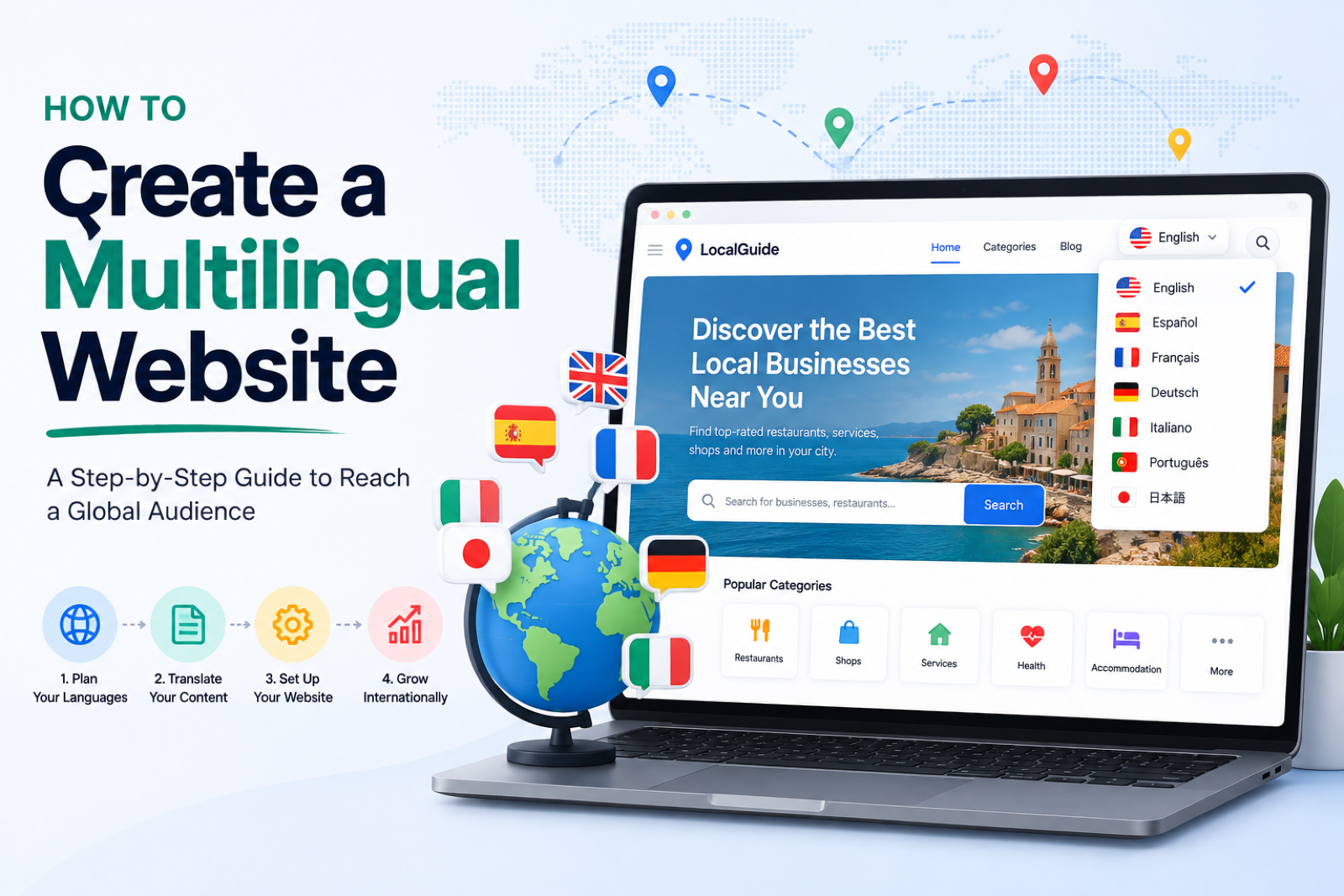
A directory in one language reaches one market. A directory of yoga retreats in English is invisible to the French, German and Spanish travellers searching for the same retreats in their own language, and a bilingual city guide that only speaks one of its city's languages loses half its audience before the first click.
The usual fix is the one most directory owners try first: clone the site, translate the copy, run two directories side by side. It works for about a week. Then a business changes its price, and you update it twice. A new listing comes in, and you add it twice. The Spanish site falls behind, and nobody notices until a customer does.
This guide covers how to create a multilingual website the way it holds up: one directory, one set of listings, a version per language with its own URLs, and the search engine signals that make each version rank in its own country. It's written for directories, but the same rules apply to any listings site.
Two ways to make a website multilingual
Separate sites per language. One domain per language, or a clone per language on the same platform. Each site has its own listings, its own categories, its own everything. Fine when each market has different content, like a French directory of French businesses and a German one of German businesses. Painful when it's the same listings in two languages, because every change happens twice.
One site, several languages. One set of listings. Text fields (the name, description, page content, SEO title) get a version per language; everything that isn't language (price, photos, address, opening hours, categories, ratings) is shared. Change a price once and every language shows it. This is what you want for a directory where the same businesses serve visitors in more than one language.
The rest of this guide is about the second approach.
Step 1: Pick your URL structure
Every language needs its own addresses, so search engines can index each version and visitors can share a link in their language. There are three common shapes:
- Folders:
yourdirectory.com/es/. One domain, so every language builds the same domain's authority. The simplest to run, and the setup most SEO guides recommend for sites that aren't country-specific. - Subdomains:
es.yourdirectory.com. Works, but search engines treat subdomains more like separate sites, so authority is split. - Separate domains:
yourdirectory.es. The strongest country signal, but every domain starts from zero and needs its own links.
For a directory, folders win almost every time. Your main language stays at the root (yourdirectory.com/listings/joe-cafe/) and each extra language gets its own folder (yourdirectory.com/es/listings/cafe-de-joe/).
Two details that matter more than they look:
- Translate the slugs.
/es/listings/cafe-de-joe/reads better to a Spanish searcher than/es/listings/joe-cafe/, and you can translate the folder words too:/es/anuncios/cafe-de-joe/. - Keep old URLs working. If a page was reachable at the untranslated address before, redirect it to the translated one rather than letting it 404.
Step 2: Tell search engines which page is which language
Multilingual website SEO comes down to three signals:
- hreflang tags. Each page lists its versions in other languages, plus an
x-defaultfor visitors whose language you don't serve. Google uses them to show the Spanish page to Spanish searchers instead of the English one. The most common mistake is listing languages a page isn't actually translated into: if the German version of a listing doesn't exist yet, don't point an hreflang tag at it. - A multilingual sitemap. Every language version of every page, each with links to its siblings, so search engines find the translations without having to crawl a language switcher.
- Translated titles and descriptions. The SEO title and meta description are the first thing a searcher reads. A page with a Spanish body and an English title tells Google it's an English page.
Add the basics on top: the lang attribute on each page, og:locale for social sharing, and a self-referencing canonical on each language version, so the Spanish page isn't treated as a duplicate of the English one.
Step 3: Translate the content (without maintaining copies)
A directory has more text than it seems. Listings, categories, tags, articles, pages and custom field labels all need a version per language, and then there's the interface itself: search buttons, filter labels, "Visit website", form messages, dates.
Some practical rules:
- Translate fields, not pages. The listing's name, description and SEO fields get translations; the price, photos and address stay shared. That's what keeps one listing from becoming two.
- Fall back instead of hiding. A page that isn't translated yet should show the original text rather than disappear or show an empty template. Visitors still get the page; it just reads in your main language until you translate it.
- Use AI for the first pass, people for the important pages. Machine translation is good enough for most listing descriptions today. Spend your own review time on the homepage, top categories and the listings that bring in the most traffic.
- Keep brand names out of it. Business names, product names and place names shouldn't be translated. A do-not-translate list stops "Blue Bottle Coffee" from becoming "Café Botella Azul".
- Know when a translation is stale. When the original text changes, its translations should be flagged, so the Spanish description doesn't keep advertising last year's prices.
Translate the choice values too. If a listing has a "Cuisine: Italian" filter, Spanish visitors should see "Italiana", while the filter keeps working on the same underlying value.
Step 4: Let visitors (and businesses) use their language
- A language switcher in the header or footer that keeps visitors on the same page in the other language, not the other language's homepage.
- Search in the visitor's language. Someone searching on your Spanish pages should match the Spanish names and descriptions.
- Submissions in any language. A business that finds you through your Spanish pages should be able to submit its listing in Spanish, get its emails in Spanish, and have the listing translated into your main language for everyone else.
That last one is easy to forget, and it's where bilingual directories win: local businesses that would never fill in an English form will happily submit in their own language.
How to create a multilingual directory website with Directify
Directify has languages built in, so all of the above is a settings page rather than a project.
- Build the directory in your main language. Describe your idea to the AI builder and it sets up the site, categories and custom fields in about a minute. Add your first listings by hand, from a spreadsheet, or with Google Maps import.
- Add your languages. Open Languages in the sidebar, pick the languages you want and where the switcher goes. Each language goes live at its own folder (
/es/,/de/,/fr/…) straight away, with hreflang tags, a multilingual sitemap and translated page titles handled for you. You can also choose your own words for each language's web addresses. - Translate with AI or by hand. Click Translate with AI to translate everything missing into one language or all of them at once. It costs 1 credit per 4 items, or nothing if you connect your own OpenAI or Claude key. Or open any listing, category or page, pick a language at the top and write the translation yourself, with the original shown next to each field. New listings can be translated automatically as they come in.
- Check the interface texts. Spanish, German, Dutch and French are fully built in, down to the buttons, dates and emails, and Arabic (with right-to-left layouts) is in beta. Translate texts shows which of your own wording still needs a translation.
Run a directory fully in one language on any plan, including Free. Unlimited languages come with every paid plan. See multilingual directories for the full feature list.
How much does a multilingual website cost?
For a directory on a builder with languages built in, the cost is mostly translation:
- Platform: Directify's paid plans start at $12/month and include unlimited languages. There are no per-language or per-word fees.
- AI translation: with Directify's AI, 1 credit translates 4 items into one language. A directory of 400 listings and categories into Spanish is about 100 credits. With your own OpenAI or Claude key, you pay your provider directly, usually a few dollars for a directory that size.
- Human review: the real investment. Budget your own time, or a native speaker's, for the pages that bring in the most visitors.
Compare that with running a clone per language: twice the plans, twice the domains, and twice the work every time a listing changes.
Multilingual website best practices (and the mistakes to skip)
- Don't auto-redirect by browser language. Show the switcher and let visitors choose. Forced redirects frustrate travellers and can stop search engines from crawling your other versions.
- Don't machine-translate on the fly. Browser-side translation widgets don't create indexable pages, so search engines never see your Spanish version.
- Don't point hreflang at pages that don't exist. List only the languages a page is translated into.
- Don't translate everything at once and walk away. Start with your main market's second language, check the result on real pages, then add the next.
- Don't forget the businesses. Tell your listings you now have a Spanish (or German, or French) audience. It's a reason to upgrade their listing, and a reason for new businesses to join.
Start with one extra language
The best multilingual websites didn't launch in ten languages. They added the language their visitors were already asking for, got it right, and added the next one when the traffic showed up. Pick the second language your audience speaks, add it in an afternoon, and let search engines start sending you the visitors you've been missing. Start your free 7-day trial, build the directory with AI, and add your first extra language under Languages.
Ready to Build Your Directory?
Start creating your professional directory website today with Directify's no-code platform.
Get Started Free