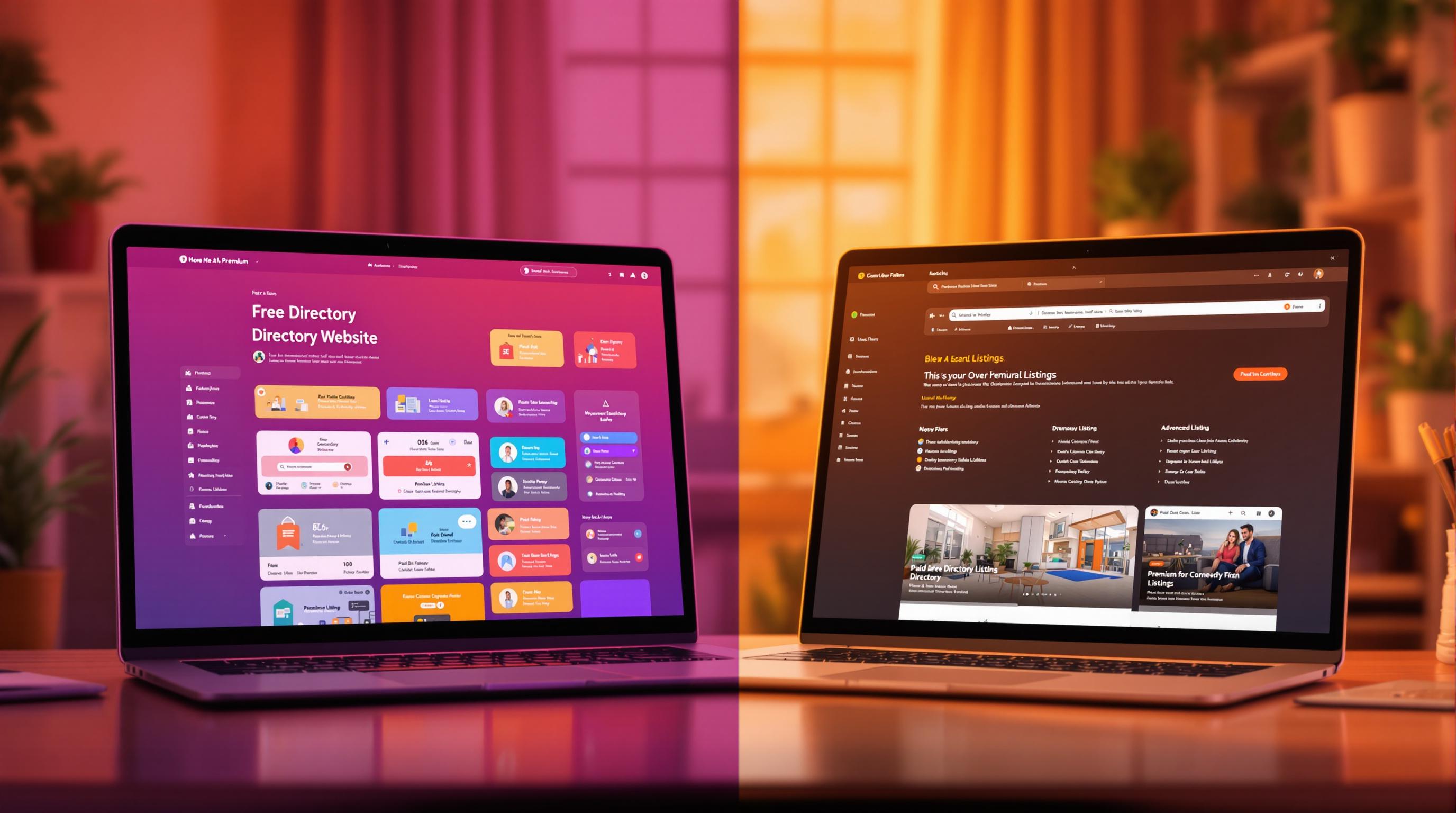
Looking to build a directory website? Your choice boils down to two options: free or paid solutions. Here's a quick breakdown to help you decide:
- Free Solutions: No upfront cost, basic features like user registration, search filters, and simple templates. Great for testing ideas but may lack advanced tools and support.
- Paid Solutions: Costs start at $99/year. Offers advanced tools like APIs, mobile app builders, premium support, and monetization features. Ideal for professional and scalable projects.
Quick Comparison
| Feature | Free Solutions | Paid Solutions |
|---|---|---|
| Initial Cost | $0 | From $99/year |
| Features | Basic tools | Advanced tools (APIs, apps) |
| Customization | Limited templates | Full source code access |
| Revenue Model | Ad-supported | Subscriptions, premium tiers |
| Support | Minimal (forums/docs) | Dedicated customer support |
| Spam Control | Limited | Strong filters |
Tip: Start with free if you're on a budget or testing ideas. Opt for paid if you need professional features and better scalability.
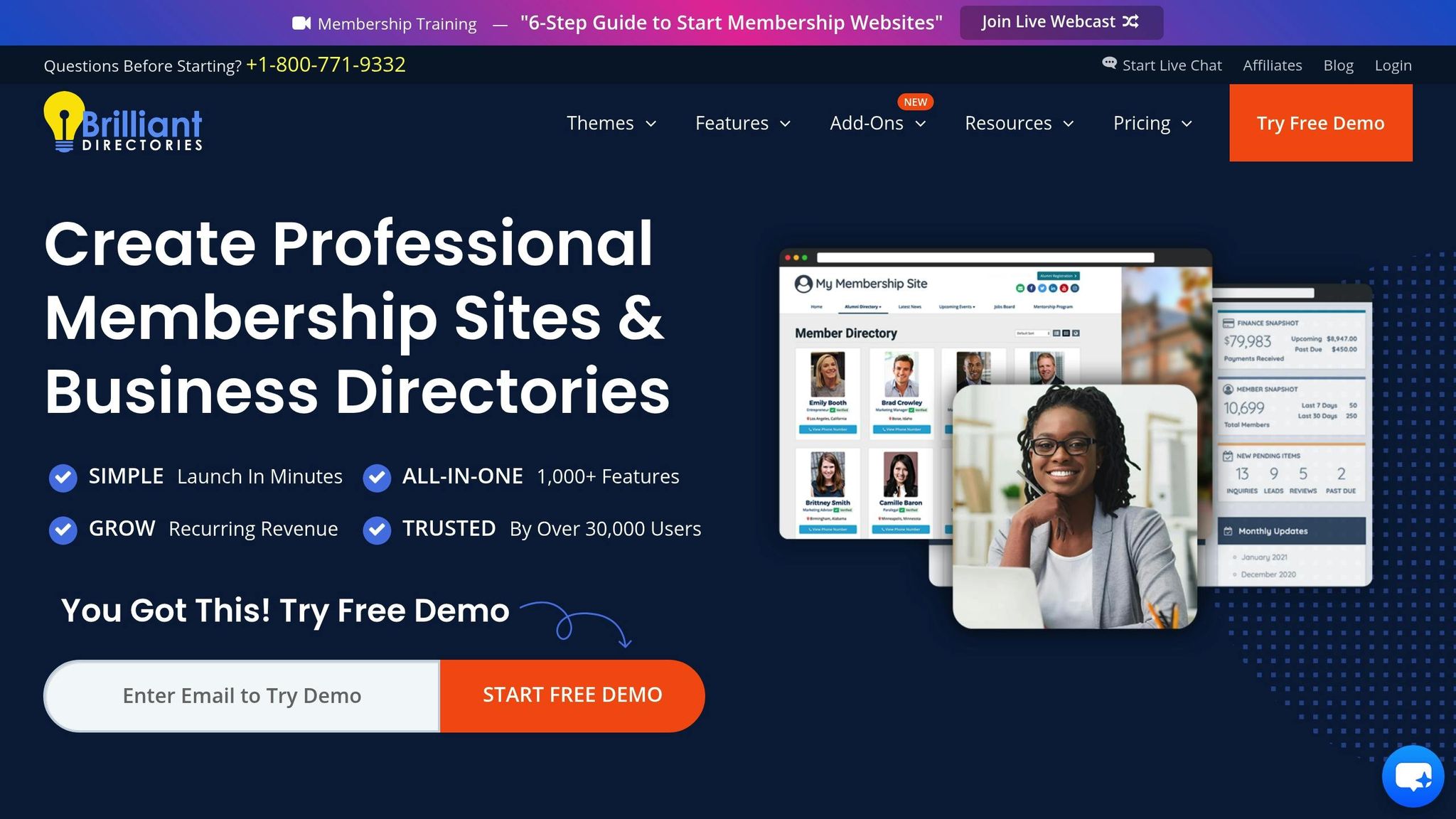
Brilliant Directories vs Ideal Directories | Pricing, Features, and ...
1. Free Directory Options
These tools offer basic features to help you establish an online presence. They focus on managing business listings and enabling user interactions.
Key Features:
| Feature Category | Included Functionality |
|---|---|
| Listing Management | • User registration • Upload multiple images • Custom fields • Create categories |
| User Experience | • Search filters • Location-based search • Favorite listings • Review system |
| Admin Controls | • Approve/reject listings • Manage users |
| Analytics | • Basic user analytics |
While these options are free, they come with some trade-offs. Listings may lack thorough quality control, and support is often limited to documentation or community forums.
Monetization Options:
Many free platforms allow you to add payment modules later, making it easier to test your idea without upfront expenses. In contrast, paid platforms often come with built-in monetization features and advanced tools.
Design and Customization:
Free solutions usually rely on templates, so no coding skills are needed. While the design options are simpler than paid versions, you’ll still get mobile-friendly layouts and basic color customization.
To get the most out of these platforms, focus on creating detailed listings with relevant keywords to improve visibility and engagement.
sbb-itb-adc1e8a
2. Paid Directory Options
Paid directory platforms expand on basic features, offering more tools to help you create, manage, and monetization features directory websites effectively.
Key Features:
- APIs for custom integrations
- Mobile app builders for Android and iOS
- White-labeling capabilities
- SSL certificates for secure browsing
- Unlimited listings
- Premium customer support
- Training sessions for users
Pricing Structure
| Plan Type | Price | Features |
|---|---|---|
| Monthly | $74–$199 | Hosting, SSL, basic setup, chat/email support |
| Annual | $74.25–$149.25/month | Discounted rates, training, enhanced support, additional plugins |
| Lifetime/Source | ~$1,499 (One-Time) | Full source access, unlimited sites, installation, and white-labeling |
Revenue Generation Options
Paid platforms include advanced tools to boost income, such as:
- Premium listing tiers
- Options for businesses to claim their listings
- Private listing access
- Sponsored advertising opportunities
- Membership subscription models
- Lead generation tools
These features provide more ways to generate revenue compared to free directory solutions.
Customization and Design
With paid options, you get access to the full source code, widget-based builders, custom themes, and advanced styling tools, allowing for a personalized and professional design.
Support and Maintenance
- Access to premium technical support
- Regular software updates
- Security patches to safeguard data
- Training sessions to maximize platform use
- Continuous maintenance for smooth operation
Next, we'll compare these advanced features with free options to assess their overall strengths and limitations.
Benefits and Limitations
When deciding between free and paid directory solutions, it's essential to weigh your needs and available resources.
| Aspect | Free Directory Solutions | Paid Directory Solutions |
|---|---|---|
| Initial Investment | No upfront cost | Requires subscription fees |
| Listing Quality | Basic entries with limited info | Detailed and well-rounded listings |
| Spam Control | Higher risk of spam | Fees help deter spam |
| Customer Support | Minimal or no support | Access to dedicated customer support |
| Revenue Potential | Relies on ad revenue | Income through fees or subscriptions |
| Feature Set | Basic functionality | Extra features like reviews |
| Management | Requires manual oversight | Includes automation for easier management |
The table highlights key differences, which are explained in more detail below.
Strengths of Free Solutions
Free directories are popular for their affordability. As Robert Gombos explains:
"The primary advantage of using a free business directory is that it is cost-effective... This can be a great way to get exposure for a business without having to invest a lot of money."
These solutions work well for:
- Small businesses trying out new ideas
- Community-oriented projects
- Teams with technical expertise
- Quick-launch initiatives
Advantages of Paid Solutions
Paid directories, on the other hand, offer added value through advanced features and professional support. Robert Gombos points out:
"Paid business directories offer a number of advantages. The listings are typically more comprehensive and of higher quality than those in free directories."
Some key perks include:
- More detailed and polished listings
- Access to dedicated support teams
- Opportunities for direct income
- Better spam management
Long-term Considerations
Free solutions often demand ongoing manual effort to maintain quality, while paid options come with automated tools and expert support. Your choice should depend on your directory’s goals, revenue strategy, and how much effort you can devote to maintenance.
Making Your Choice
When deciding, think about your specific needs, budget, and long-term plans. Here's a simple way to approach your decision:
-
Go with a free solution if you:
- Have a tight budget and need to test ideas
- Can handle technical maintenance
- Plan to rely on ad revenue
- Are comfortable managing spam and moderating content
-
Opt for a paid solution if you:
- Require professional features and room to grow
- Want to earn through listing fees or subscriptions
- Need dedicated support
To make things clearer, check out this decision matrix:
| Business Need | Recommended Solution | Why It Works |
|---|---|---|
| MVP Testing | Free | No upfront costs; basic features for validation |
| Professional Directory | Paid ($50-$500+) | Advanced tools and scalability |
| Community Project | Free | Affordable and encourages growth |
| Revenue-Focused | Paid | Includes monetization features |
Budget Planning Tips
To refine your decision, think about these factors:
- Initial setup costs
- Ongoing maintenance expenses
- Growth potential
- Revenue timeline
- Support needs
Free options won’t cost you upfront but demand more manual effort. Paid solutions, ranging from $50 to $500+, come with advanced tools and dedicated support.
A common strategy? Start with a free option, then switch to paid once earnings increase. This reduces risk while allowing for growth.
Key Success Factors
To make your directory successful, focus on:
- Creating high-quality listings
- Using effective marketing tactics
- Delivering a smooth user experience
- Managing spam and maintaining content quality
- Establishing a clear revenue plan
Ready to Build Your Directory?
Start creating your professional directory website today with Directify's no-code platform.
Get Started Free